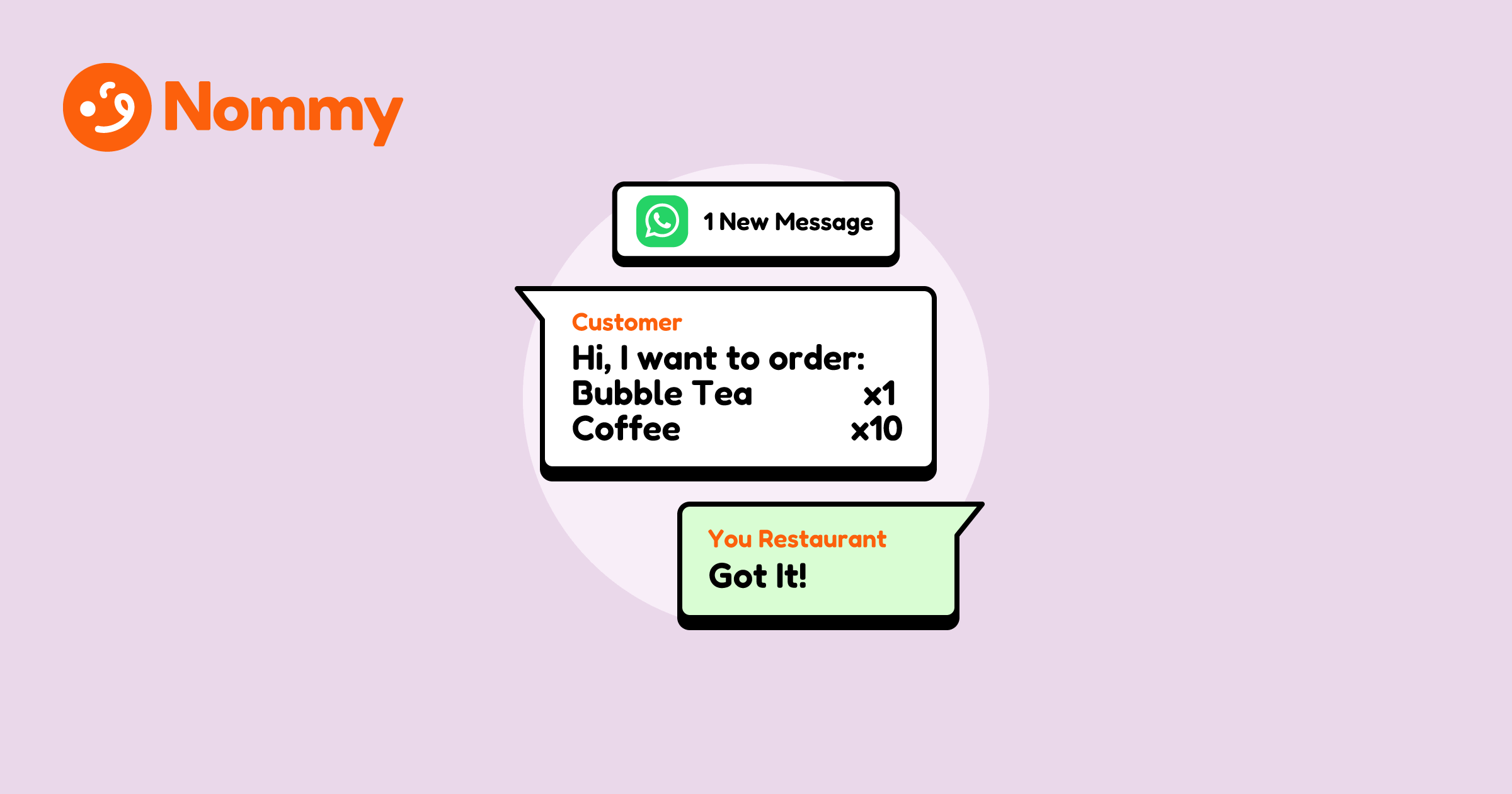
Keep WhatsApp orders moving with clear payment rules. State the total, method, and due time up front, then verify payment at the point your policy requires—before preparation or at handover. If the ordering flow is new, read WhatsApp ordering for restaurants first; this guide covers cash, transfers, e-wallets, QR payments, and payment links.
For the wider setup, see the complete restaurant website guide. Payment habits differ by market, and features available directly inside WhatsApp can change. Confirm the options currently available to your business before promising a payment method to customers.
How should payment work when orders arrive by chat?
Use a three-step payment workflow for WhatsApp orders: quote the total, name the method and deadline, then verify payment at the point set by the restaurant’s policy. WhatsApp carries the conversation and order details; payment happens through cash at handover, a bank transfer, an e-wallet payment, a business QR code, or an existing payment link.
A clear total prevents avoidable disputes. Put the confirmed amount and payment instructions in the same thread, and set a threshold for when preparation begins. Many restaurants allow small pickup orders to be paid at collection while requiring verified payment before preparing larger or delivery orders; choose a policy that fits the restaurant’s risk and staffing.
Which payment method fits each restaurant?
No single payment method fits all WhatsApp orders. Choose one the team can verify reliably during service, and keep it as the default until order volume calls for another option.
| Method | Fits well | Main limitation |
|---|---|---|
| Cash on pickup | Takeaway counters, bakeries, stalls with a till | Staff handles cash; no protection against no-shows |
| Cash on delivery (COD) | Local-delivery kitchens with their own riders | Rider carries cash; failed drop-offs cost food and fuel |
| Bank transfer | Small teams already comfortable checking a banking app | Staff must verify each payment in the bank or payment-provider record |
| E-wallet payment | Markets where wallets are common for small purchases | Availability, limits, and fees vary by provider and country |
| Bank or wallet QR code | Businesses whose customers commonly pay by scanning a merchant code | Show the correct business code and verify the payment in the provider record |
| Payment link | Restaurants with an existing checkout or invoice tool | Customer leaves WhatsApp to pay through an external checkout |
Market availability: Payment features available directly inside WhatsApp vary by country and can change. A durable setup uses a payment method the business already supports, then confirms its status with that provider. Marketplace apps bundle payment, dispatch, and tracking at a commission cost—the trade-off is mapped in third-party delivery versus direct online ordering.
What should the payment message include?
Payment instructions for WhatsApp orders should include five facts so staff do not have to reconstruct an order from scattered texts. Send them as one message right after the order summary:
- Confirmed total with any delivery fee and minimum-order note
- Payment method and the details needed to use it (account information, checkout link, or where to access the business QR code)
- When payment is due (“before we start your order” or “on pickup”)
- What to send back (the transaction reference if staff need help locating the payment)
- What happens next (prep time estimate and pickup or delivery window)
Treat a screenshot as a clue that may help locate a transfer, not proof that funds have settled. Verify payment in the bank or payment-provider record before marking the order paid.
Nommy online ordering structures the basket before the chat opens—items, quantities, options, order type, total, and customer details—then prepares a prefilled, itemized message for the customer to send to the restaurant in WhatsApp. Staff can use that order summary while their payment reply covers the method, deadline, and payment status.
The problem: A customer sends a payment screenshot from an account under a different name, with no order number, while two more orders land in the same minute. Staff cannot match the payment to an order, so every order waits.
The real-world fix: Ask customers to include the order name or number in the transfer reference. Staff check the bank or provider record, then use a template reply that confirms the order and total. Unmatched payments get one standard follow-up asking for the reference, not a free-form investigation.
How can staff confirm payment without slowing the kitchen?
For WhatsApp orders, payment confirmation should run on templates, not judgment calls during a rush. Set up three Quick Replies in the WhatsApp Business app before the first order of the day:
- Quote. Send the total, method, deadline, and reference format in one message. Example: “Total RM 47.50 with delivery. Bank transfer to account ending 4412 before we start. Please include the name Ahmad in the transfer reference.”
- Confirm. Once the order is accepted and any payment due upfront is verified, reply with the confirmed total, payment note, and time estimate. Example: “Received RM 47.50—order confirmed, ready for pickup around 6 p.m.”
- Chase once. If the deadline passes unpaid, send one standard nudge with a cancel time. Example: “Still holding your order until 6 p.m.—after that we release the slot.”
Assign one person per shift to payment checks so two staff members do not verify the same transaction. Keep a simple paid-or-pending mark next to each order name—a notebook column or a pinned list works—and reconcile the day’s transfers against it after service, not between customers.
What happens when payment fails or never arrives?
When WhatsApp orders go unpaid or transactions fail, staff need a written policy or they will improvise a different answer each time. Decide three thresholds in advance and post them where the team can see:
- Cook threshold. Set which order sizes and fulfillment types require verified payment before preparation. For example, a restaurant might allow small pickup orders to be paid at collection while requiring payment first for larger orders and deliveries.
- Hold window. Set a release time for unpaid orders—for example, 15 minutes for pickup or 30 for delivery—so the kitchen does not prepare food for an order that was never confirmed.
- Regulars exception. If trusted repeat customers can pay at pickup, keep the exception on a short written list and track each order’s balance.
When a transfer fails, send the quote template again with an alternative method rather than debugging the customer’s bank in chat. When a customer disputes a total, quote the confirmed message back verbatim—the thread is the record of what was agreed. The consistency routine in how to add online ordering to a restaurant website helps keep menus, prices, and fees aligned across channels, reducing a common source of payment disputes.
Structure the order before the chat starts with Nommy. Customers build the basket from the live menu and send it to WhatsApp, so staff can focus on confirming the order, payment, and fulfillment.
WhatsApp takes the order. Your payment method collects the money. A clear total, deadline, and confirmation message keep the two in sync.