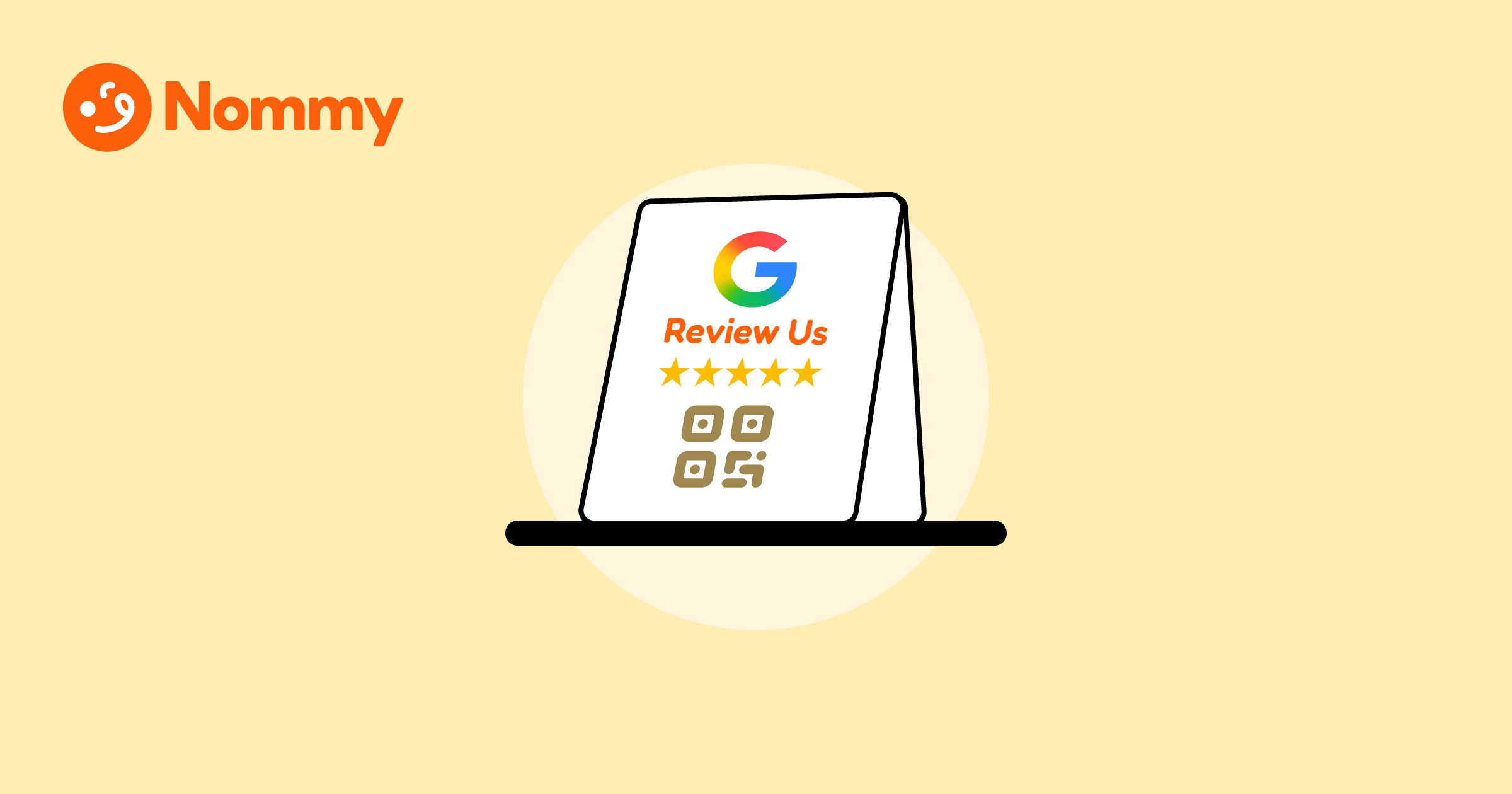
The easiest way to create a Google review QR code is from the restaurant’s Google Business Profile. On a computer, open the correct profile, click Read reviews and then select Get more reviews, then copy the review link or save Google’s QR image.
A QR generator can encode that same review link in a custom design. A scan takes guests directly to the review form instead of asking them to search for the restaurant. For the broader checklist, see the complete guide to local SEO for restaurants.
How can restaurants get a free review QR code from Google Business Profile?
Google’s built-in option creates a review link and QR code directly from the Business Profile. Google currently supports QR-code downloads from a computer browser.
- Sign in to the Google account that manages the correct restaurant location.
- Open its Business Profile and select Read reviews, then Get more reviews.
- Select Copy to keep the review link, or right-click the QR code and choose Save image as.
- Scan the saved code with a phone and confirm it opens the review form for the right location.
Google’s current instructions for sharing a review link or QR code show the latest controls. A multi-location restaurant should make and test a separate code for each location.
How can restaurants create a custom Google review QR code?
Most QR generators let you paste a review link and style the code. Nommy’s free Google Review QR Code Generator requires the listing’s Google Place ID because it uses that ID to build the review link; it doesn’t accept the copied review URL. Find the Place ID first, then enter it to customize the code’s colors and shapes and download a PNG or SVG.
- Use Google’s Place ID Finder, select the correct location, and copy its ID.
- Paste the ID into Nommy’s generator, choose the code’s colors or shapes, then download the QR image.
- Scan it before printing and confirm it opens the correct location’s review form.
Google says Place IDs can change over time and recommends refreshing stored IDs older than 12 months. Test the generated review link before printing and after a location change. Nommy’s free generator creates a static QR code that points to one review URL; if that destination changes, print a replacement. Nommy’s separate dynamic QR codes let you update the destination without reprinting.
Where should restaurants display a review QR code?
Google suggests sharing review links or QR codes on receipts, thank-you emails, chat interactions, and in-store displays. Restaurant examples include table tents, takeout bag stickers, and check presenters or bill folders. Keep the request optional and don’t pressure guests to post while they are still on the premises.
For printed materials, scan a sample from the distance and angle a customer will use, under the venue’s normal lighting. Add a short instruction such as “Share an honest Google review,” plus a typed link for people who cannot scan. The QR menu placement guide covers similar camera and glare checks. A restaurant website can keep menu and location details easy to find; see how to put a menu on a restaurant website.
What review requests should restaurants avoid?
Invite customers to leave honest feedback without asking for a particular star rating or review text. Google permits requests for genuine reviews, but prohibits incentives and selectively asking only happy customers for positive reviews. It also says businesses must not require or pressure people to post while on the premises.
The problem: Staff give the review QR code only to guests who praise the meal and send unhappy guests to a private feedback form.
The real-world fix: Make the same optional review request available to all customers and invite honest feedback.
See Google’s review content and engagement policies before running a review campaign. Google’s review-link instructions and review policies were checked on 28 September 2026; profile controls can vary by account or region.
Create a customized code with Nommy’s free Google Review QR Code Generator. If you’re also setting up a restaurant website, start free with Nommy to keep the menu, location details, and QR destinations together.
A useful review QR code makes honest feedback easy to find and easy to scan.