Nommy for Hawker Stalls
Website with digital menu made for hawker stalls
Get your hawker stall online with a free website that includes a digital menu and QR code. Showcase dishes, highlight bestsellers, and keep prices and hours updated.
Why Nommy
Why hawker stalls prefer Nommy over competitors
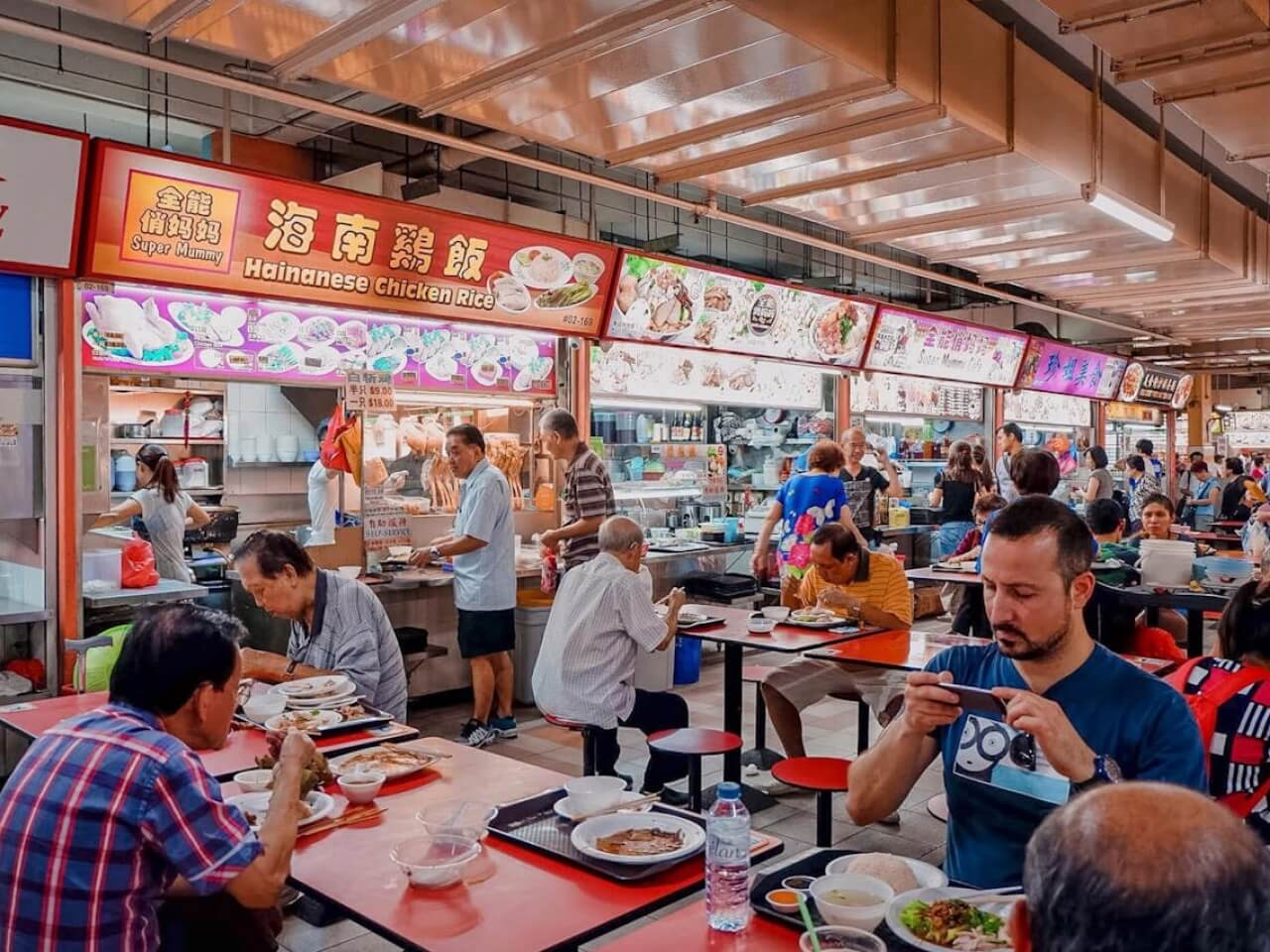
Hawker stalls win on speed, reputation, and repeat custom. Nommy helps you make the essentials easy to find fast, so diners can scan the menu, trust the stall, and decide quicker.
Complete Information
Nommy gives your hawker stall one clear place to show its menu, prices, opening hours, location, and contact details.
Show Specials
Signature dishes, add-ons, and set meals need to be easy to scan. With Nommy, your hawker stall can present the menu more clearly than a crowded board alone.
Update Fast
Price changes, sold-out items, and changing hours happen often. Nommy makes quick edits simple, so the public view stays accurate.
Build Trust
A polished menu and website make a busy stall feel more dependable. Nommy helps diners trust what you serve, what it costs, and where to find you.
Shorten Queues
When diners can browse before they reach the front, ordering feels faster. Nommy helps your stall move people from scanning to ordering with less hesitation.
Stay Current
Keep opening hours, stall unit details, and menu availability in one place so regulars and first-timers both get the right info.
What You Get
Features for busy
hawker service
Nommy gives hawker stalls a clearer way to present signature dishes, stall details, set meals, opening hours, and queue- friendly menu access.
Signature Dishes
Highlight signatures, staples, and bestsellers so diners can spot what your stall is known for quickly.
Stall Details
Share your hawker centre, unit number, and where to find you inside the food centre without making people compare stalls one by one.
Queue-Ready QR
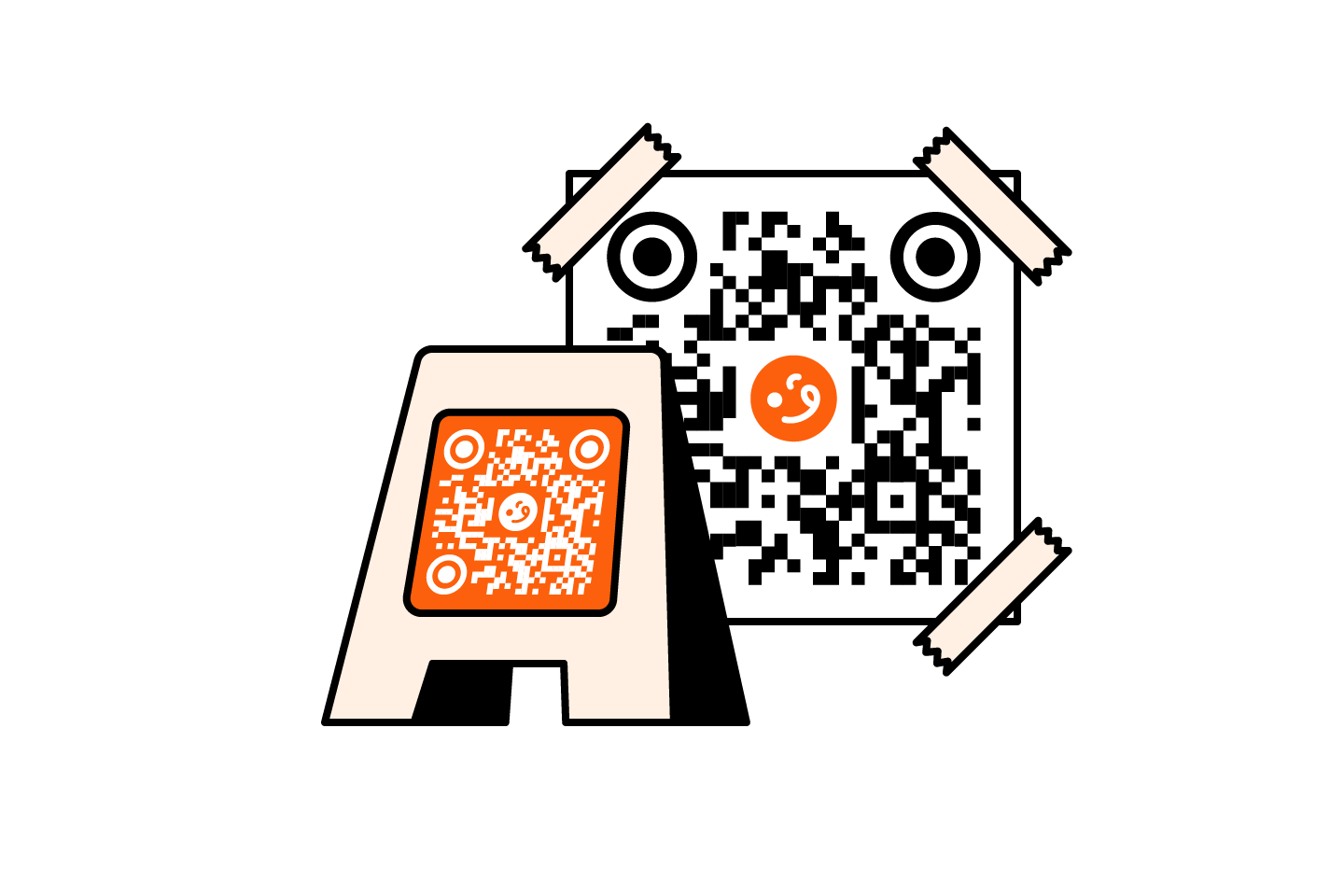
Put QR codes on the counter or tables so diners can browse while they wait and reach the front ready to order.
Easy Update
Update sold-out dishes, short-run specials, and price changes so diners see what is still available during peak service.
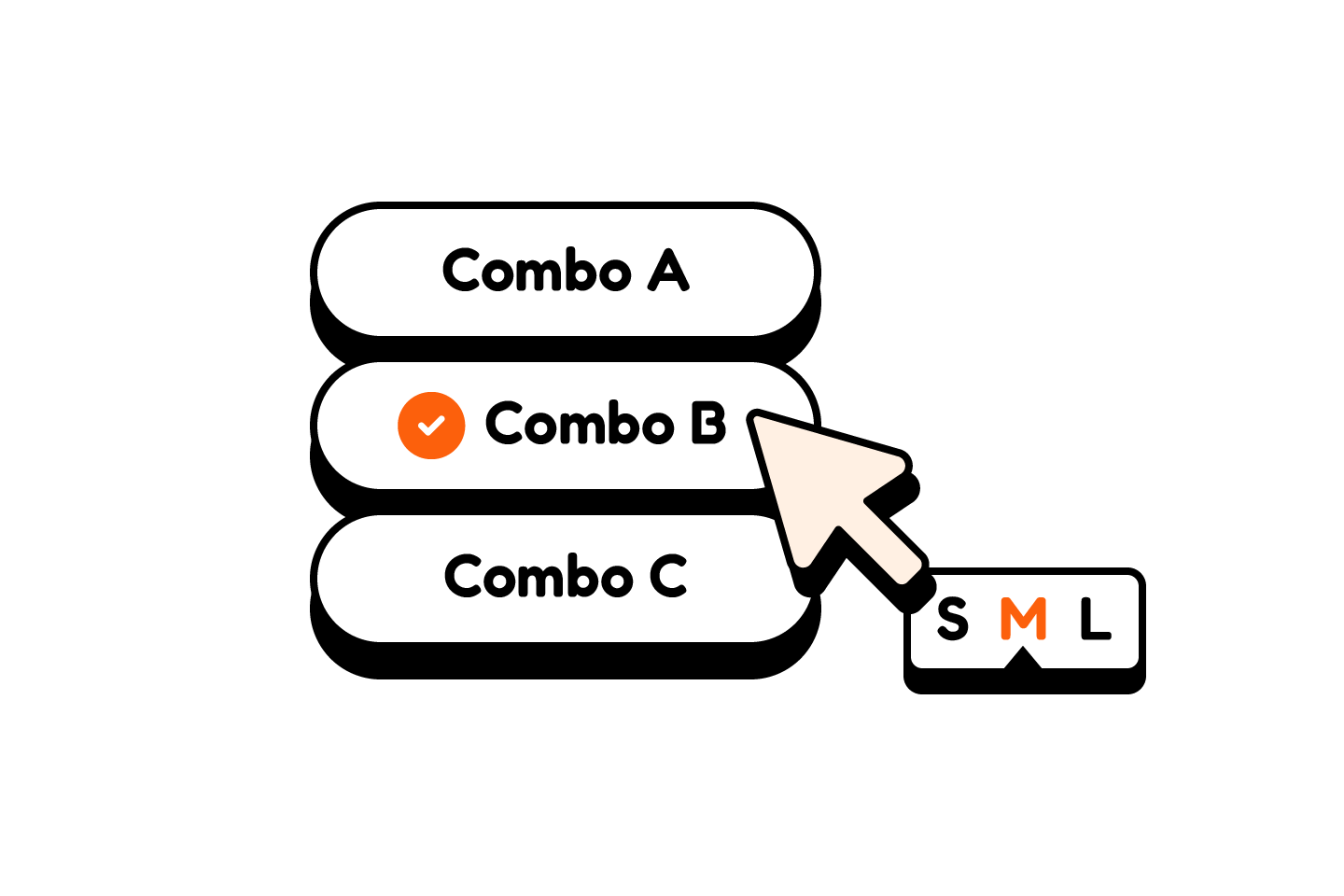
Set Meals & Add-Ons
Break out combo sets, add-ons, extra portions, drink options so regulars and first-timers can build an order faster.
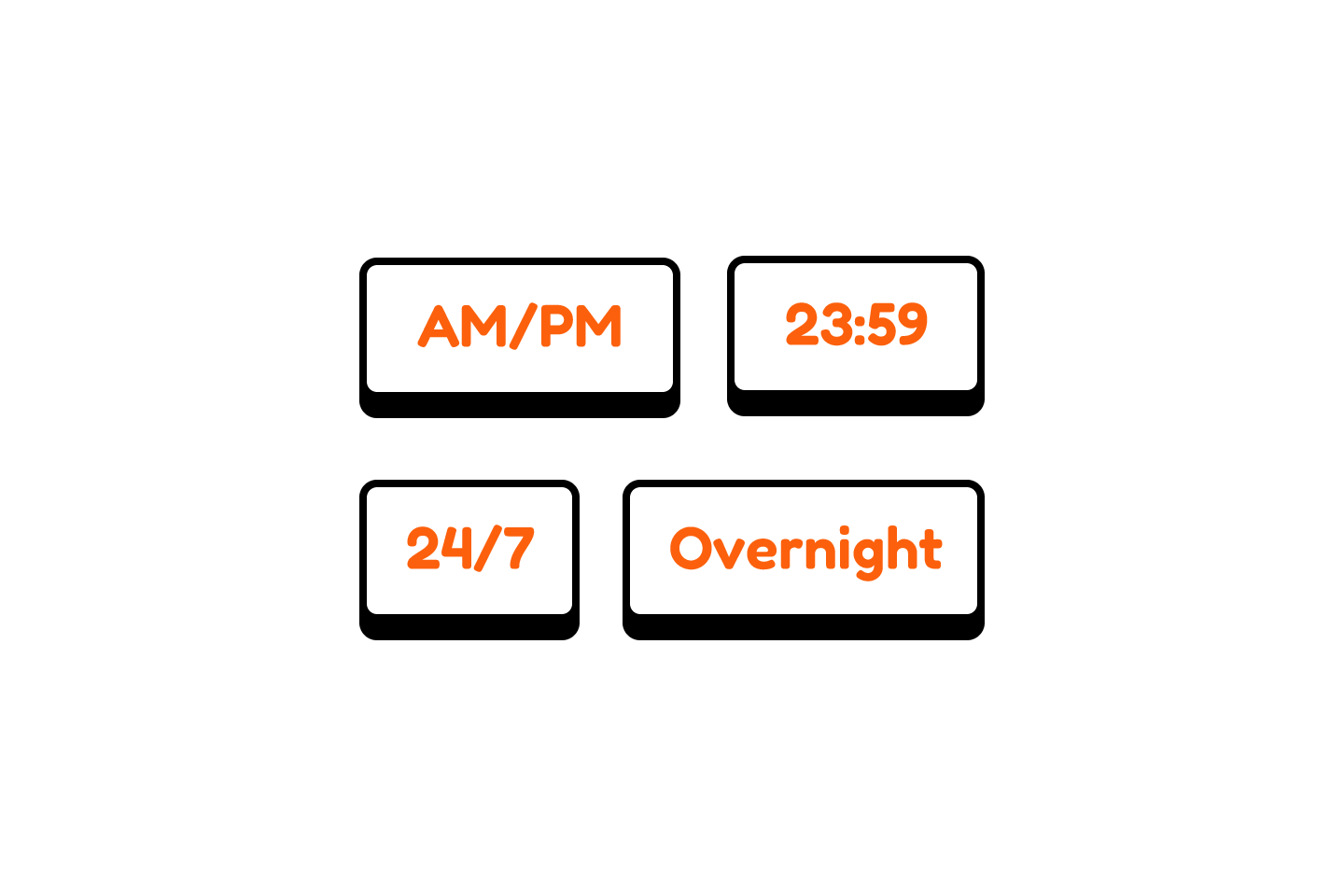
Opening Hour Notes
Keep opening hours, closed days, and simple service notes in one place so regulars know when to come back.
Give your hawker stall
a better online setup
With Nommy, your hawker stall can show menus, stall details, hours, and QR access on a polished website diners can check before they queue.
Get StartedFrequently
Asked Questions
Here are some of the most common questions hawker stall owners ask about using Nommy for menus, QR browsing, stall details, and quick updates.
Ask AI
Not sure if Nommy fits your hawker stall?
Ask ChatGPT, Gemini, Claude, Grok, or Perplexity how Nommy can help your hawker stall publish a clearer menu, add QR browsing, and keep stall details easy to find online.