Nommy for Food Carts
Website with digital menu made for food carts
Get your food cart online with a free website that includes a digital menu and QR code. Showcase your menu, share location updates, and keep customers informed daily.
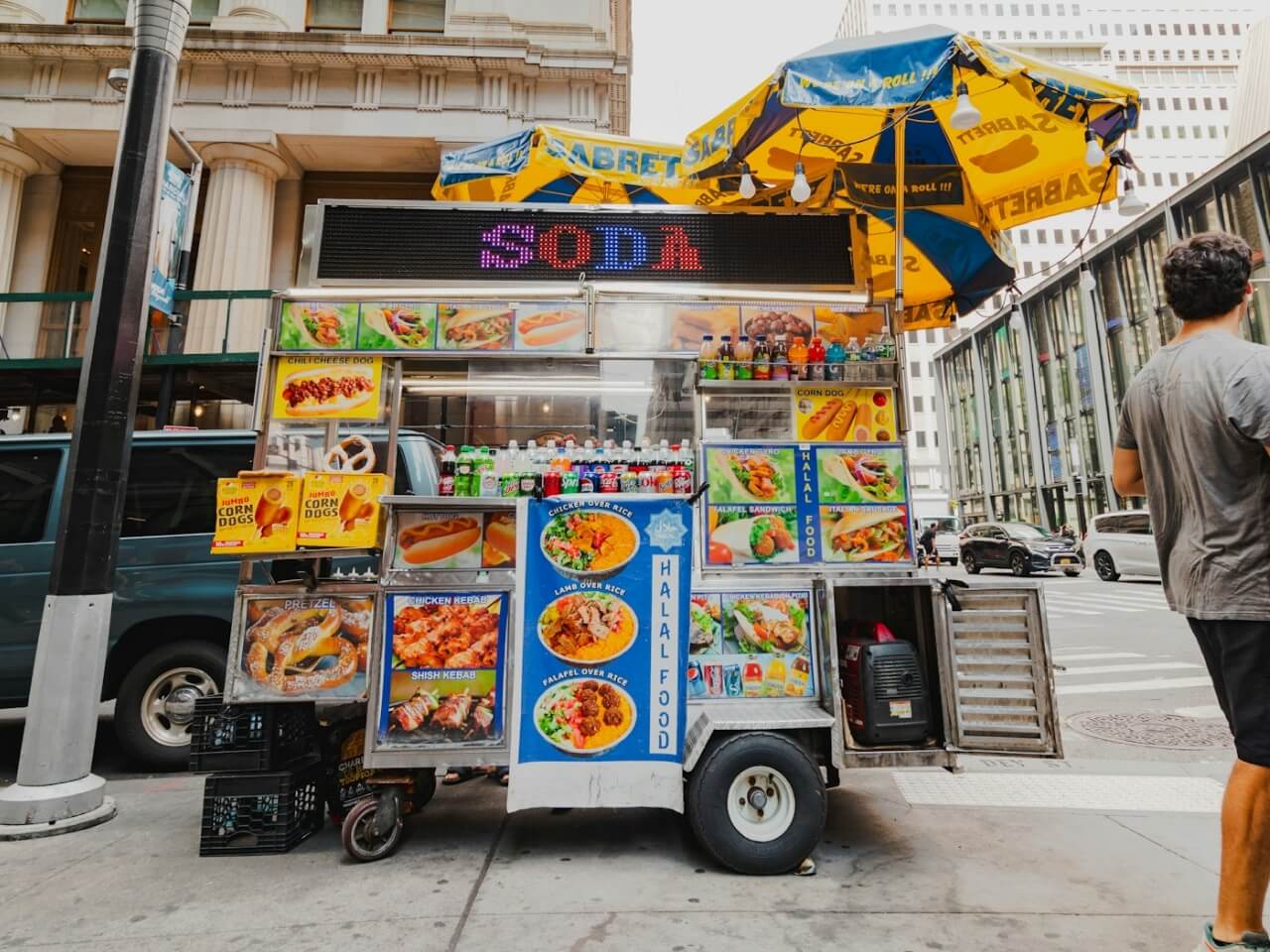
Why Nommy
Why food carts
use Nommy
Food carts need a fast, mobile-friendly setup that moves with the business. Nommy helps you publish menus, update locations, and make ordering easier without adding more admin.
Complete Information
Nommy gives your cart a proper website so customers can find your menu, hours, and current spot without relying on scattered social posts.
Show Menus Fast
Keep a short menu clear and easy to scan with prices, descriptions, photos, and quick sold-out updates.
Update Locations
Switch between markets, events, and regular stops while keeping your current location and schedule accurate.
Build Trust
A branded website makes your cart feel more established before customers even reach the window.
Move Lines Faster
QR browsing helps customers decide earlier, which keeps the line moving and reduces repeated questions at the counter.
Keep It Simple
Launch and update a useful website without extra tools, design work, or technical overhead.
What You Get
Features for mobile
food operators
Nommy gives food carts a lean setup for short menus, market schedules, QR access, and clear next-step links without extra overhead.
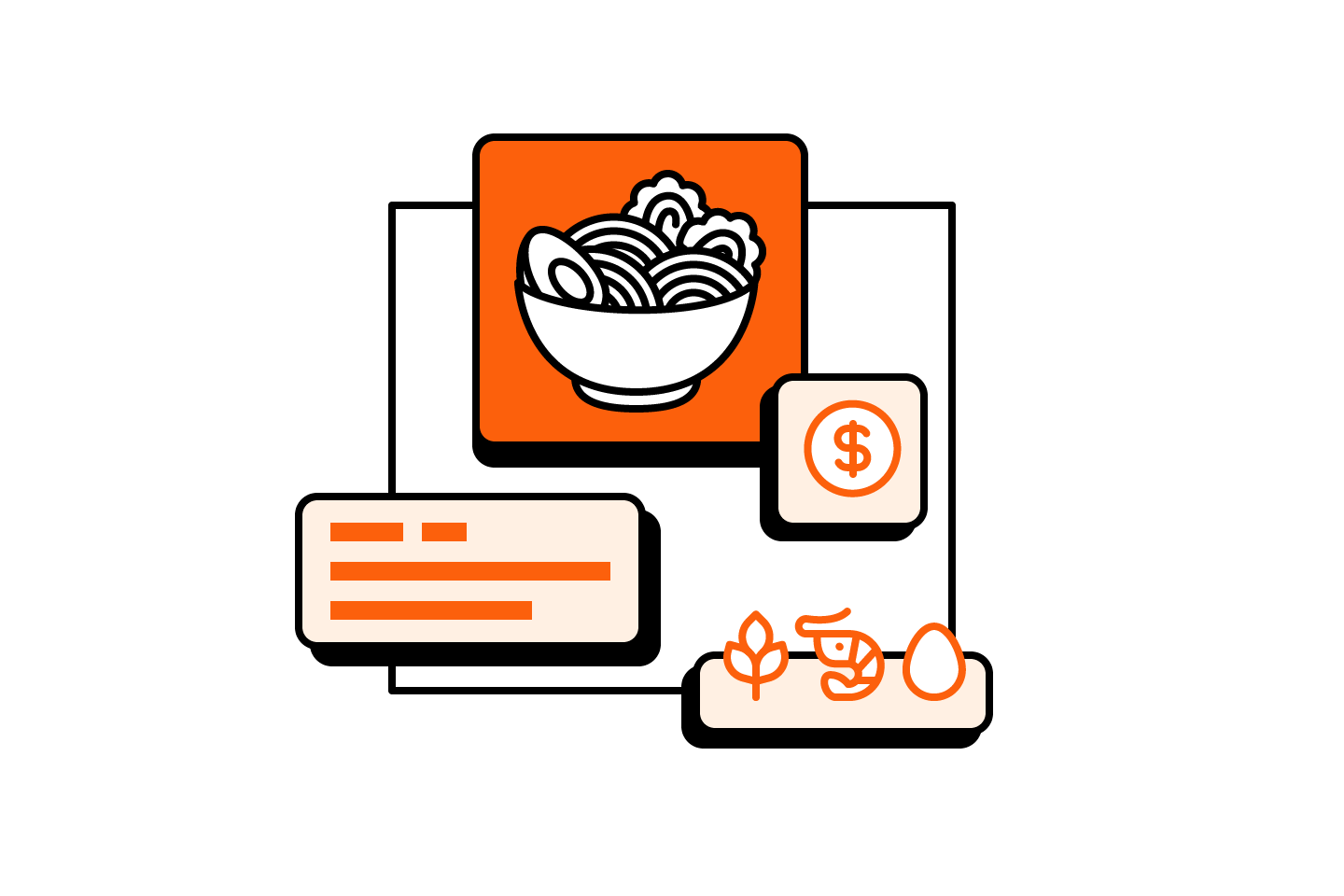
Flexible Menus
Show a menu with prices, photos, and item details in a format customers can scan quickly at the cart.
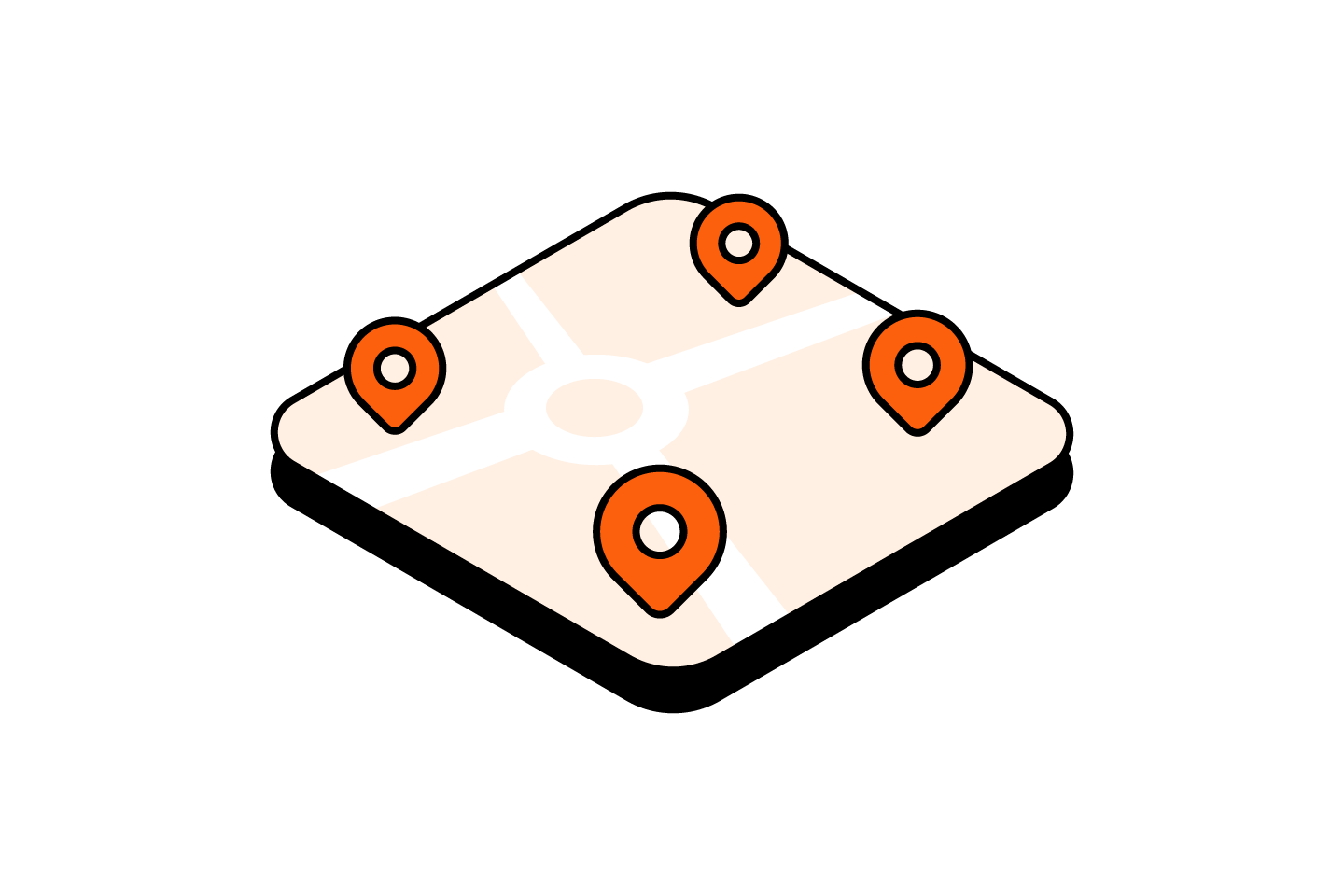
Market Schedules
Share your regular stop, market appearances, and weekly service windows in one clear place.
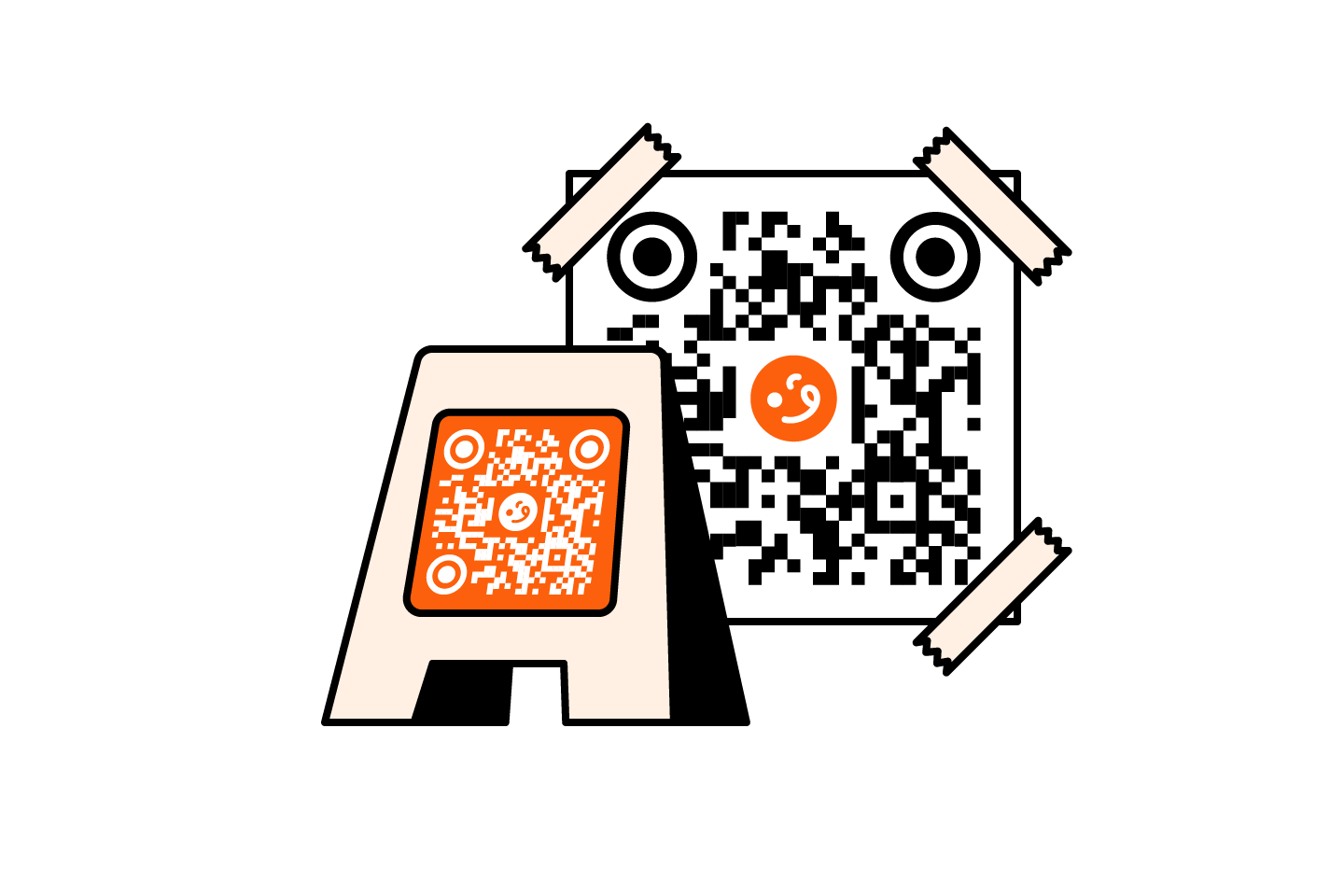
Counter QR
Put QR codes on the cart, counter, or signage so customers can open the menu before they reach the front.
Up-to-date Menus
Show sold-out items, daily specials, and small menu changes so customers see what is available before they order.
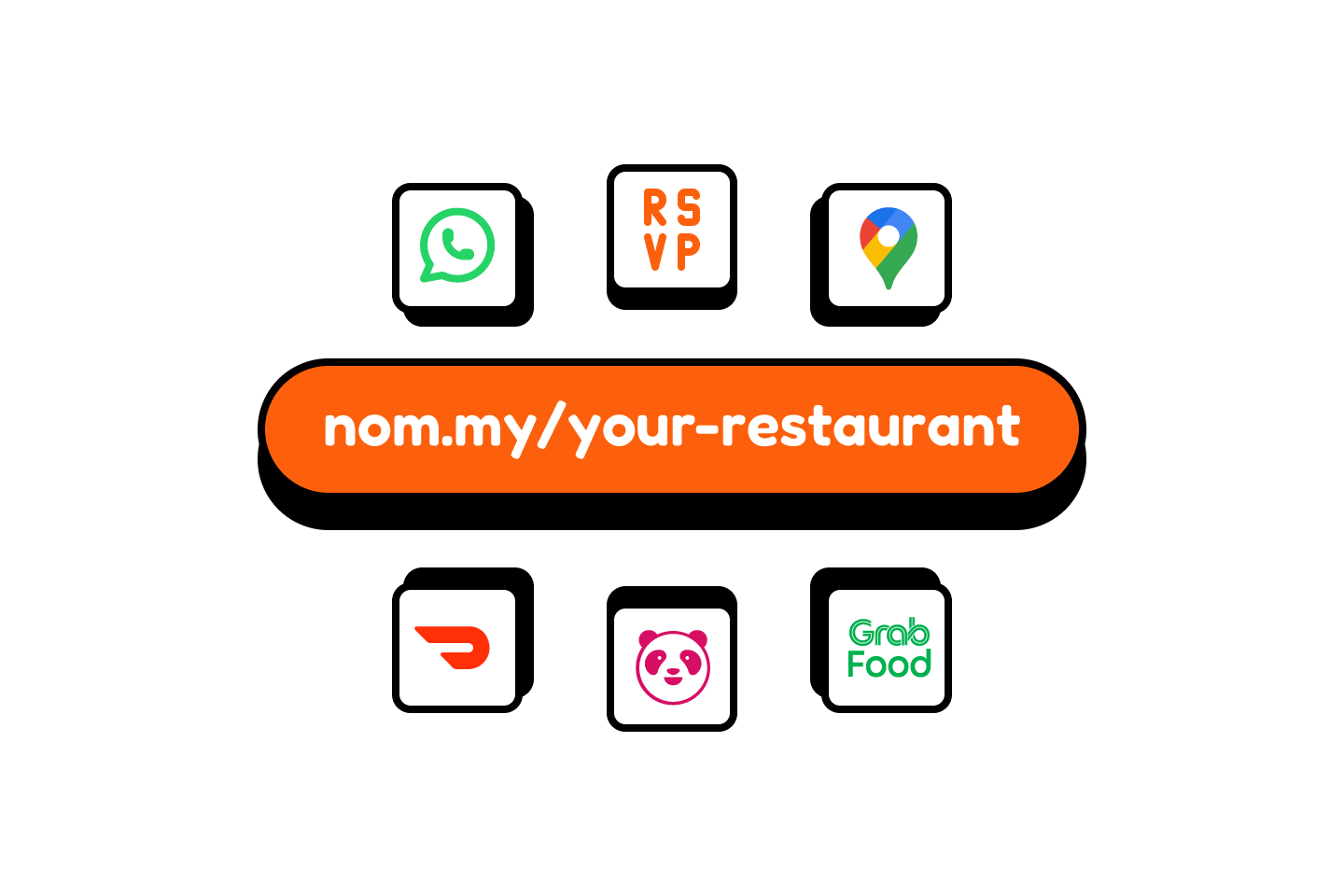
Quick Links
Add ordering, maps, catering inquiries, or contact links so customers can take the next step without hunting through social profiles.
Service Details
Publish hours, payment info, pickup notes, and other key details on one page customers can check before they head over.
Create a food cart website that works wherever you serve
Launch a simple digital presence for menus, markets, QR access, and social traffic without adding complexity to a small operation.
Get StartedFrequently asked questions
Here are some of the most common questions food cart operators ask about using Nommy for menus, markets, QR access, and location updates.
Ask AI
Not sure if Nommy fits your food cart?
Ask ChatGPT, Gemini, Claude, Grok, or Perplexity how Nommy can help your food cart publish a mobile-friendly menu, share current locations, and make QR browsing easier for customers.