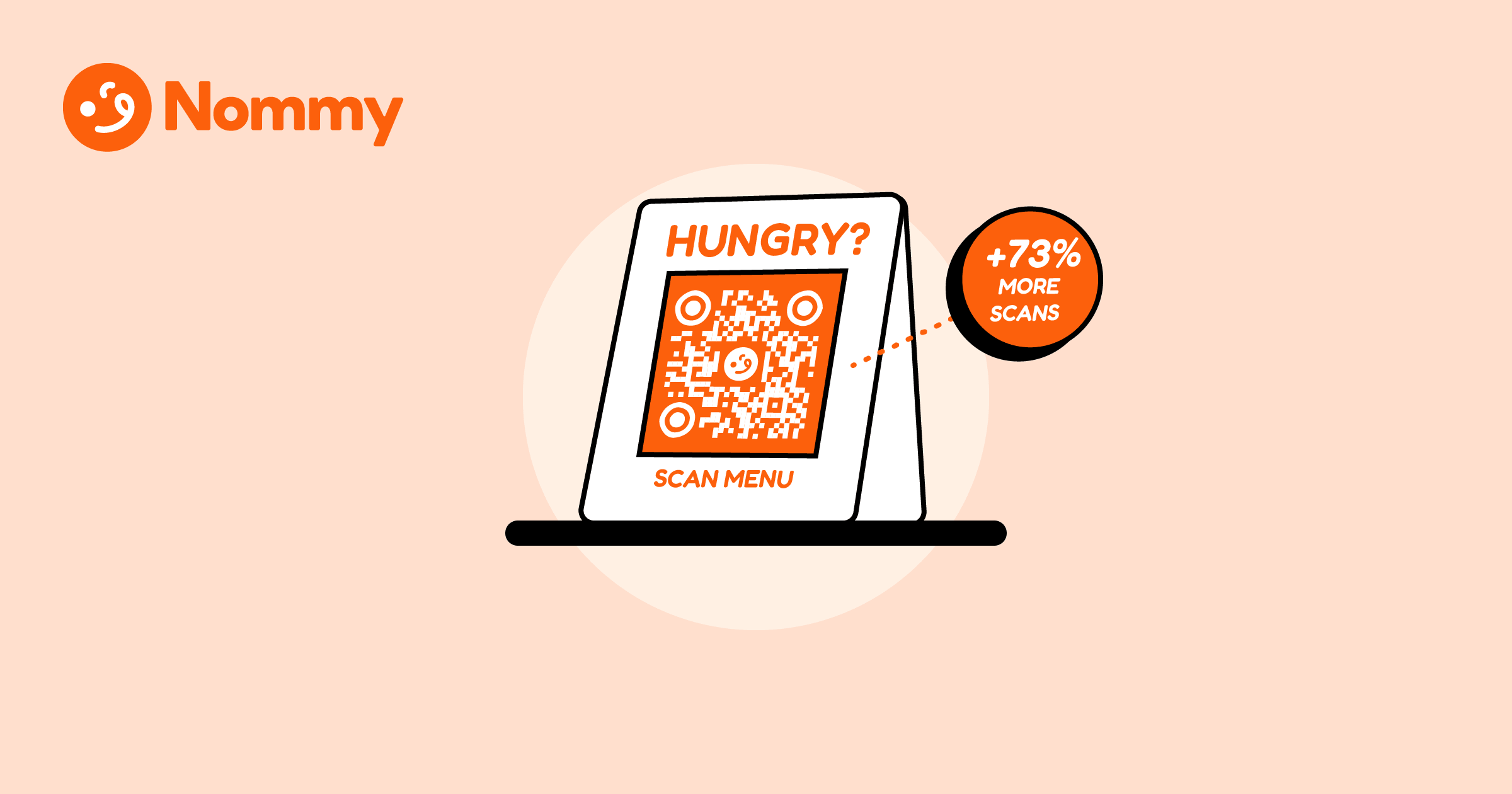
QR code scan rate is the single metric that decides whether a table menu gets used or ignored. A bare QR code on a table card scans at roughly 30%. Add one sentence telling the guest what the code does, “Scan to view our menu,” and in our venue tests that rate climbed to 73%.
The difference is context. Guests who know what they are scanning and what they will see scan without hesitation, while a code with no label looks like spam, a payment trap, or a survey they did not ask for. Placement gets the code in front of the guest. The card’s message gets them to actually scan it.
For where to physically position the code first, see our QR menu placement guide.
What is the 73% scan rule?
The 73% scan rule is simple: a table card that pairs the QR code with one descriptive sentence consistently out-scans a bare or cryptically labelled code, lifting scans from roughly 30% to 73%. The sentence answers the only three questions a guest has the moment they sit down: What does this code do? Is it safe? Will it be fast? It answers them before they have to ask.
The rule comes from observing the gap between well-placed codes that still get ignored and identical placements that get scanned immediately. A code printed alone, or with nothing but a logo, leaves guests guessing and unsure whether the code opens a menu, a payment page, or a review prompt. The physical position is the same. The card content is the variable. A code paired with a plain-language instruction removes that psychological friction entirely.
What should the one sentence say?
The sentence should name the action, the reward, and nothing else. Three elements, in this order:
- The verb: “Scan”—tells the guest exactly what to do with their phone.
- The outcome: “to view our full menu”—tells them what loads after the scan.
- The trust cue: “no app required” or “opens instantly”—removes the two most common reasons guests hesitate.
Put together: “Scan to view our menu—no app required.” That is the full sentence. It is specific, it sets an expectation, and it kills the most common objection (downloading something) before it forms.
Avoid vague labels like “Scan me,” “QR,” a logo with no text, or a brand name with no verb. None of these tell the guest what happens after the scan, so they wait for a server or skip it entirely—and scans stay flat.
How does card design affect QR code scan rate?
The sentence only works if the guest can read it at a glance. A cluttered card with the code buried among logos, social handles, and decorative borders pushes the instruction into the background. The highest-scanning cards follow a tight layout:
| Element | Placement | Why it matters |
|---|---|---|
| Instruction sentence | Top third, largest text | Captures eyes first. Sets immediate expectations before hesitation sets in |
| QR code | Centre, 5–8 cm (2–3 inches) square | Maximizes scanability. Large enough to register instantly from any seat at the table |
| Venue name or logo | Bottom, smaller than the sentence | Provides context. Confirms the venue brand without competing for primary attention |
The instruction should be the most prominent text on the card—larger than the venue name. Operators often invert this, making the logo the hero and shrinking the call to action. That hierarchy signals branding, not utility, and the QR code scan rate drops back toward the bare-code baseline.
Print on matte stock so the code does not glare under overhead lights. The full print-spec breakdown—finish, size, and contrast—is covered in our how to create a QR menu walkthrough. Both layout and print finish directly affect scan rates, so treat them as part of the same job.
The problem: A table card printed with just a QR code and a logo forces guests to guess its purpose. Because they lack immediate context, most choose to wait for a server instead—and scan rates stall around 30%.
The real-world fix: Add one sentence above the code: “Scan to view our menu—no app required.” Print it in the largest type on the card, centre the code below it, and keep the logo small. Guests read the instruction, know exactly what loads, and scan on the first try.
Does the QR code need to be dynamic?
Yes. The sentence promises a fast, clean menu load, and only a dynamic code delivers that reliably. A static code pointing at a PDF opens a slow file download, breaks the promise on the card, and tanks your scan rate over time as guests learn to stop scanning. A dynamic code points to a live web menu that loads instantly and updates without reprinting, so the card’s message stays accurate even when prices or items change.
For storefront and takeaway use, a dynamic code also lets you swap the destination without reprinting. Generate one with a QR code generator that links to your live menu URL, not a static file. Once that URL is chosen, the free menu QR code generator exports the print-ready PNG or SVG in the browser. A fast-loading destination is the final piece of the scan-rate puzzle. While a scanned card gets guests to your live menu, keeping them there is a different story. If the menu itself has design flaws that hurt your sales, that initial scan goes to waste.
For the full system, from building the menu to placing the code to writing the one-sentence card, see our complete guide to digital and QR code menus.
Turn more tables into scans. Build your table card with Nommy—dynamic QR codes, a live digital menu, and unlimited scans free forever on the self-serve product. No credit card required.
The 73% scan rule comes down to one thing: tell the guest what the code does, in plain language, before they have to ask—and the QR code scan rate takes care of itself.